Multi-axis CNC machines represent a significant investment and a powerful capability within modern manufacturing. While their fundamental operation revolves around programmed tool paths, a deeper understanding and strategic manipulation of specific G-code commands can unlock hitherto unrealized potential. This article explores how to leverage “hidden” or less commonly utilized G-code functions to enhance efficiency, precision, and versatility in multi-axis CNC machining. It delves into the underlying principles and practical applications of these commands, aiming to provide a technical guide for machinists and programmers seeking to optimize their operations.
Before delving into specific G-code commands, it is crucial to revisit the fundamental principles of CNC machining and multi-axis control. CNC, or Computer Numerical Control, translates digital designs into precise physical movements of machine tools. G-code, the standard programming language, dictates these movements, defining axes of motion, tool selections, speeds, and feeds.
The Structure of G-Code
G-code commands are typically structured in blocks, each representing a specific action or instruction. These blocks consist of “words,” usually an address letter followed by a number. Common addresses include G (preparatory functions), M (miscellaneous functions), X, Y, Z (linear axes), and A, B, C (rotary axes).
Preparatory Functions (G-codes)
G-codes initiate specific machine actions. For instance, G00 signifies rapid traverse (non-cutting movement), G01 signifies linear interpolation (straight-line cutting), and G02/G03 signify circular interpolation (arc cutting). The choice and sequence of these codes are paramount in defining the toolpath.
Miscellaneous Functions (M-codes)
M-codes control auxiliary machine functions such as spindle start/stop, coolant on/off, and tool changes. While critical for operation, they do not directly dictate axis movements.
Multi-Axis Geometry and Kinematics
Multi-axis CNC machines extend beyond the traditional three linear axes (X, Y, Z) by incorporating rotary axes (typically A and B, sometimes C). This allows the workpiece or the cutting tool to be positioned and oriented in complex ways, enabling machining of intricate geometries from multiple angles without the need for multiple setups.
Degrees of Freedom
A 3-axis machine offers three degrees of freedom for linear movement. A 5-axis machine, for example, typically adds two rotary axes, providing a total of five degrees of freedom. This allows for simultaneous movement of linear and rotary axes, facilitating true contouring.
Kinematic Models
Understanding the machine’s kinematic model is essential. This model defines the relationship between the programmed coordinates and the actual positions and orientations of the cutting tool. Different kinematic configurations (e.g., table-tilting, head-tilting, swiveling-head with articulating table) have unique characteristics that influence programming.
In exploring the advanced capabilities of multi-axis CNC machines, one can uncover fascinating insights into their hidden potential, often embedded within complex programming code. For a deeper understanding of how these machines operate and the intricacies of their coding, you can refer to a related article that delves into the subject matter. This article provides valuable information on optimizing multi-axis machining processes and enhancing productivity. To read more, visit this link.
Beyond Linear Interpolation: Advanced Contouring Techniques
While linear interpolation (G01) is fundamental, multi-axis machining truly shines with its ability to create complex curves. Beyond standard circular interpolation, specific G-codes and programming strategies enable more sophisticated freeform surface machining.
NURBS and Spline Interpolation
Many advanced CAM (Computer-Aided Manufacturing) systems generate toolpaths based on Non-Uniform Rational B-Splines (NURBS) or other spline representations. These mathematical constructs define smooth, freeform curves and surfaces. While the CAM software handles the complex conversion into machine code, understanding how these splines are represented can be beneficial.
G-Code Representation of Splines
Some CNC controllers offer specific G-codes to directly interpret spline data, often referred to as “spline interpolation” or “surface contouring” codes. These are less common than G01, G02, or G03 and might be proprietary to specific controller manufacturers. They represent a sequence of points or control points that define a smooth curve.
Helical Interpolation for Integrated Features
Helical interpolation, often achieved using a combination of linear and circular interpolation codes, is a powerful technique for creating features like threads, helical slots, or perfectly round pockets. While it can be programmed manually, it’s more efficiently generated through CAM.
G02/G03 with Z-Axis Movement
The core of helical interpolation involves simultaneously commanding a G02 (clockwise) or G03 (counter-clockwise) move with a simultaneous linear move in the Z-axis (or another designated linear axis). For example, programming a G03 around the X-Y plane while the Z-axis moves downwards will create a helical path.
Programming Considerations
The pitch of the helix, the radius, and the desired direction of rotation are all critical parameters. It’s important to ensure the Z-axis movement is coordinated precisely with the rotary movement to achieve the correct helix angle.
Optimizing Tool Engagement and Surface Finish: Feedrate Control Beyond the Basics
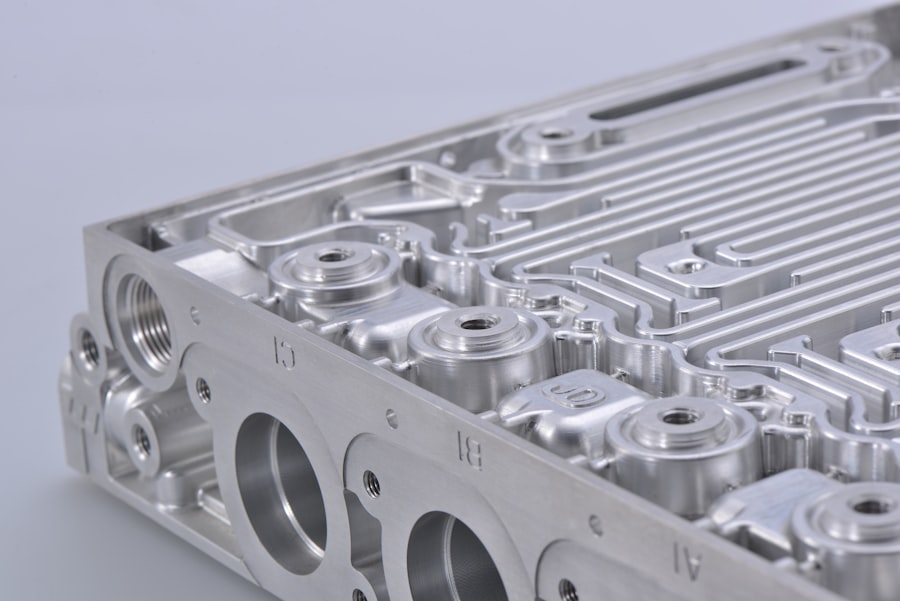
Achieving optimal surface finish and extending tool life on multi-axis machines often hinges on precise control of the cutting tool’s engagement with the workpiece. This involves more than just setting a constant feed rate.
Variable Feed Rate Control (G93, G94, G95)
While G94 (feed per minute) and G95 (feed per revolution) are standard, G93 (inverse time feed rate) is particularly crucial for multi-axis contouring. It allows the controller to calculate the required feed rate to maintain a constant tool tip velocity, even as the tool’s path curvature and axes velocities change.
G93: The Key to Constant Tool Tip Velocity
G93 is invaluable when machining complex curves and surfaces. By specifying the time it should take to complete a block of motion, the controller can dynamically adjust the feed rate for each axis to ensure the tool tip travels at a consistent speed. This is essential for maintaining surface finish and preventing rapid acceleration/deceleration at corners.
Implementing G93
Programming with G93 involves calculating the time duration for each move. This is often done automatically by CAM software, but understanding the underlying principle is important for troubleshooting or manual programming adjustments.
Look-Ahead Functionality
Modern CNC controllers incorporate look-ahead capabilities, which analyze a certain number of future blocks in the program to anticipate changes in direction and speed. This allows the controller to smooth out accelerations and decelerations, leading to more fluid tool paths and improved surface finish.
Look-Ahead Buffers
The size of the look-ahead buffer dictates how many blocks the controller can “see” ahead. A larger buffer generally leads to smoother machining, especially on complex contours.
Impact on Feed Rate Optimization
By predicting upcoming path changes, the look-ahead function can preemptively adjust feed rates, preventing sudden spikes or dips that can manifest as surface imperfections.
Advanced Toolpath Strategies for Complex Geometries
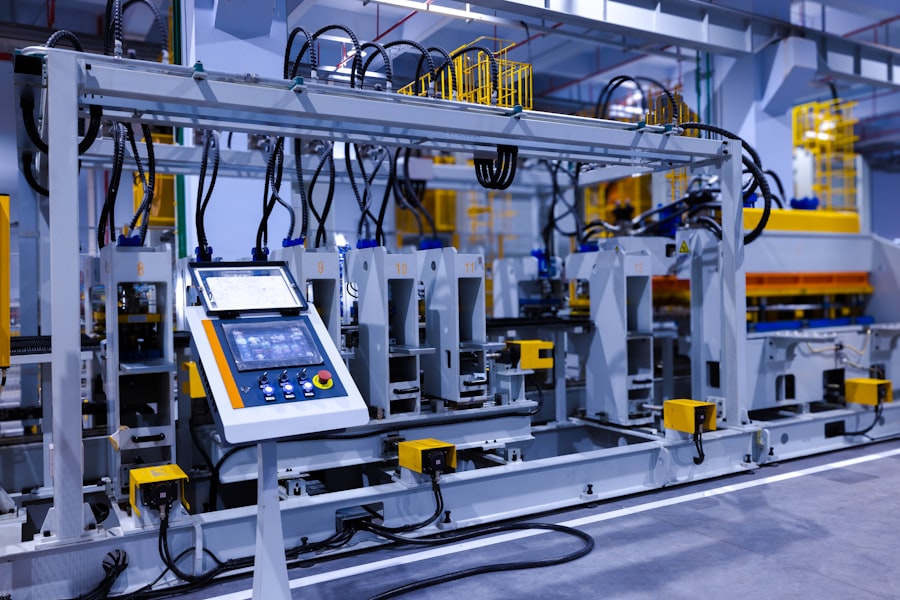
Multi-axis machining excels in its ability to access and machine intricate internal and external features. Utilizing specific G-codes can further enhance these capabilities for challenging geometries.
Subprograms and Macros for Reusability and Efficiency
Subprograms (often initiated with M97 or M98) and macros allow for the creation of reusable blocks of code that can be called multiple times within a main program. This is exceptionally useful for repeating features like holes, pockets, or specific machining sequences.
Benefits of Subprograms
- Reduced Program Size: Eliminates redundant code, making programs more manageable.
- Easier Modifications: Changes made to a subprogram are reflected everywhere it’s called.
- Improved Readability: Breaks down complex operations into logical, modular sections.
Passing Parameters to Subprograms
Many advanced controllers allow for passing parameters to subprograms, making them highly flexible. This means a single subprogram can be used to drill holes of varying diameters or depths by simply changing the passed values.
5-Axis Tool Compensation (G43, G41/G42 with Vector Control)
Tool compensation is critical for maintaining dimensional accuracy. While 2D and 3D cutter compensation (G41/G42) are common, 5-axis machines often require more advanced forms that consider the tool’s orientation.
Tool Length Compensation (G43/G44)
This standard code adjusts for the length of the cutting tool, ensuring that the programmed Z-depth is accurately achieved at the tool tip.
Cutter Radius Compensation (G41/G42)
Traditionally used in 2D and 3D machining, G41 (cutter compensation left) and G42 (cutter compensation right) offset the toolpath to account for the tool’s radius.
Vector-Based Compensation for 5-Axis
In 5-axis machining, the relationship between the tool and the surface is constantly changing. Advanced controllers utilize vector-based compensation, where the compensation vector (pointing from the tool center to the tool tip) is dynamically calculated based on the tool’s orientation and the programmed surface normal. This is often handled transparently by the CAM system but relies on specific G-code interpretations by the controller.
High-Speed Machining (HSM) and Dynamic Control
HSM utilizes higher spindle speeds and feed rates along with smaller depth-of-cuts. On multi-axis machines, this is further enhanced by dynamic control strategies that aim to maintain optimal cutting forces and chip loads.
Adaptive Control Features
Some advanced controllers offer adaptive control features that can monitor spindle load and adjust feed rates in real-time to prevent overloading the tool or spindle. This is a form of “hidden” intelligence within the control system that optimizes machining parameters on the fly.
Optimized Path Generation for HSM
CAM software specifically designed for HSM generates toolpaths that emphasize smooth, continuous curves with minimal sharp changes in direction. This is intended to maximize the benefits of high spindle speeds and minimize shock loads on the tool and machine.
Multi-axis CNC machines have revolutionized the manufacturing industry by allowing for intricate designs and precise machining that were previously difficult to achieve. For those interested in exploring the hidden capabilities of these machines, a related article can provide valuable insights into their programming and operational nuances. You can learn more about this fascinating topic in the article found here, which delves into the advanced features and applications of multi-axis CNC technology.
Troubleshooting and Optimization: Leveraging Diagnostic and Debugging Codes
| Axis | Capability |
|---|---|
| X-axis | ±0.001 inch |
| Y-axis | ±0.001 inch |
| Z-axis | ±0.001 inch |
| Rotary A-axis | ±0.01 degree |
| Rotary B-axis | ±0.01 degree |
| Rotary C-axis | ±0.01 degree |
Even with sophisticated programming, issues can arise during multi-axis CNC operations. Understanding how to diagnose and debug is crucial for efficient problem-solving.
G-Code Debugging and Single-Block Stepping
Most CNC controllers offer single-block stepping, allowing programmers to execute the program line by line. This is an invaluable tool for identifying where an error occurs.
Verifying Toolpath and Axis Movement
By stepping through the program, one can visually verify the expected toolpath and the movement of each axis. This helps in identifying incorrect coordinates, unintended axis movements, or incorrect function calls.
Observing Machine State
During single-block execution, the controller often displays the current state of various machine parameters, including current coordinates, spindle speed, feed rate, and active G-codes. This information is critical for diagnosing problems.
Error Codes and Diagnostic Screens
CNC controllers are equipped with extensive error reporting mechanisms. Understanding common error codes and how to access diagnostic screens can significantly expedite troubleshooting.
Interpreting Error Messages
Each error code typically corresponds to a specific issue, such as an axis limit violation, a feed rate error, or a communication problem. Consulting the machine’s manual is essential for understanding the meaning of these codes.
Diagnostic Pages
Diagnostic screens provide real-time information about the machine’s internal workings. This can include sensor readings, I/O status, and axis positions, offering deep insight into operational anomalies.
Program Simulation and Dry Runs
While not strictly G-code functions, program simulation within CAM software and dry runs on the machine are critical optimization steps.
CAM Simulation
Most CAM software includes powerful simulation tools that can visually represent the toolpath, detect potential collisions, and estimate machining times. This allows for extensive debugging before the program even reaches the machine.
Dry Runs
Performing a dry run, where the machine executes the program without engaging the workpiece (often with the spindle off or coolant on), is a crucial safety and verification step. This allows for final checks of tool clearance and overall program flow.
By understanding and strategically applying these less commonly utilized G-code functions and diagnostic tools, manufacturers can unlock the full potential of their multi-axis CNC machines, leading to improved efficiency, enhanced precision, and greater capability in producing complex components. This ongoing exploration and mastery of machine control are vital for staying competitive in modern manufacturing.
FAQs
What is a multi-axis CNC machine?
A multi-axis CNC machine is a computer-controlled machine tool that can move in multiple directions simultaneously to perform complex machining operations. These machines can have 3, 4, 5, or more axes of motion, allowing for greater flexibility and precision in manufacturing processes.
What is “hidden code” in the context of multi-axis CNC machines?
Hidden code refers to the specific programming instructions within the CNC machine’s software that enable it to perform multi-axis machining operations. These instructions are not readily visible to the operator but are essential for the machine to execute complex movements and produce intricate parts.
How does hidden code impact the capabilities of a multi-axis CNC machine?
The hidden code in a multi-axis CNC machine’s software determines its ability to perform advanced machining tasks such as 3D contouring, simultaneous multi-axis cutting, and complex toolpath generation. The sophistication of the hidden code directly influences the machine’s capability to produce intricate and precise components.
What are the advantages of utilizing multi-axis CNC machine capability hidden in code?
By leveraging the hidden code within the CNC machine’s software, manufacturers can achieve higher levels of precision, efficiency, and complexity in their machining processes. This can result in the production of more intricate and sophisticated parts, reduced production times, and improved overall quality.
How can operators optimize the use of multi-axis CNC machine capability hidden in code?
Operators can optimize the use of multi-axis CNC machine capability hidden in code by gaining a deep understanding of the machine’s programming language, utilizing advanced CAM software to generate complex toolpaths, and continuously refining their machining techniques to take full advantage of the machine’s capabilities.